Battery Pack Manager
2022 - Whoop Desktop Application
Whoop shipped 150,000 battery packs with a firmware defect. The device has no screen, no way to send or receive data on its own. A recall would cost $2.2 million. The brief: build a desktop app to push firmware updates. Fix the defect. Minimize the damage.
I saw a different opportunity.
Business Impact
Whoop avoided a $2.2m cost to replace all battery devices for 150k customers ($40/ per pack).
Full impact is still not known, however, the initial impact was an estimated $167k reduction in MS (membership support) tickets. This equated to a drop of around 30% of total ticket volume at the time.
$2.2M
↳ In hardware costs saved in a year.
30%
↳ Reduction in support ticket volume (appr.)
$167k
↳ Amount saved in MXM support costs.
182k
↳ Vistors support page in 3 months.


Role
Senior Product Designer
Responsibilities
Product Designer, Product Strategy
Team
Mats Terwiesch - PM
Michelle Lee - UXR
Sarthak Jagetia - Tech Lead

The Problem
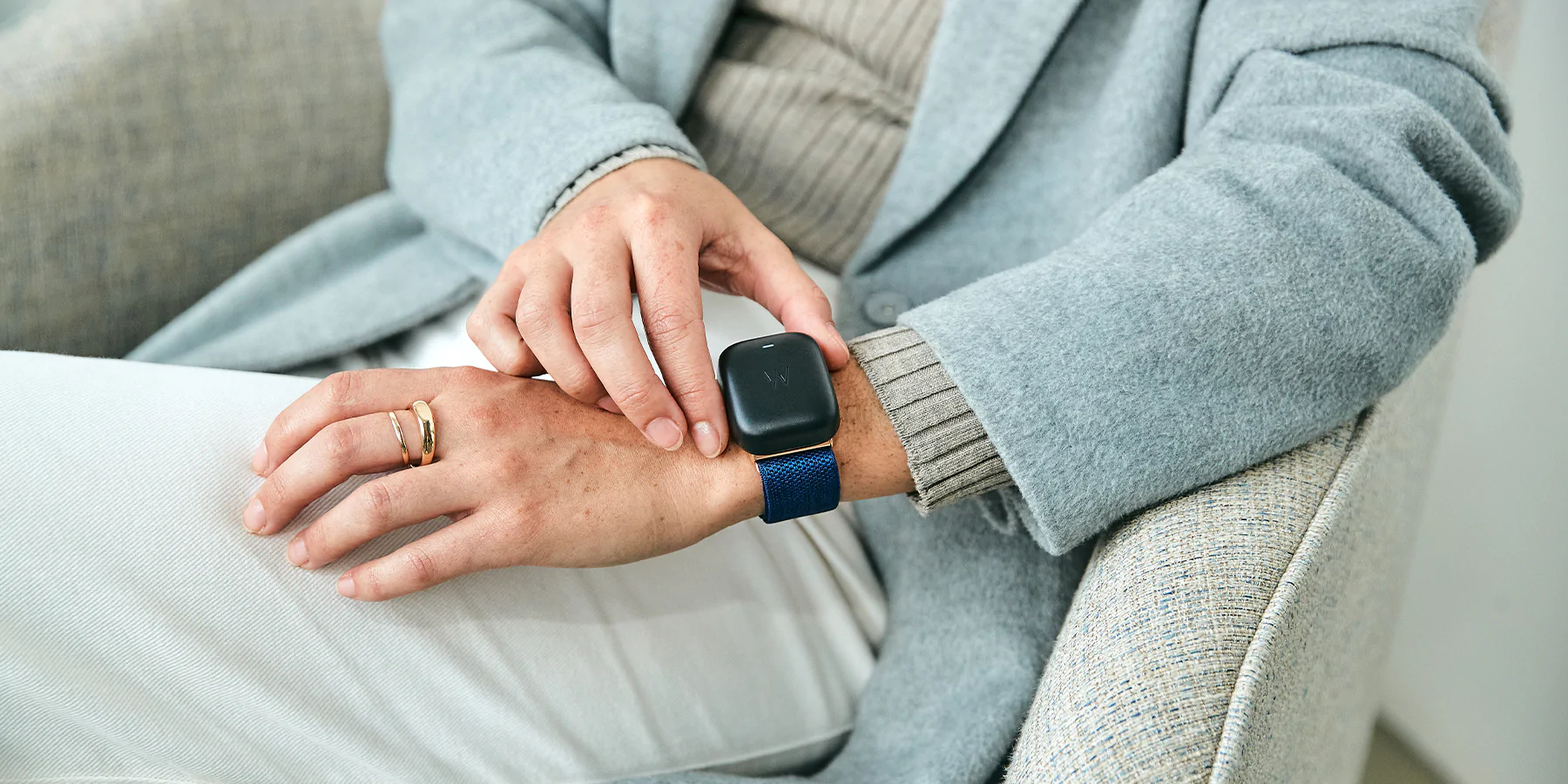
A Whoop device is unique compared to most modern wearables as it has no physical display. It requires an attachable battery pack which allows users to charge their device on the go without needing to plug in to a power source.
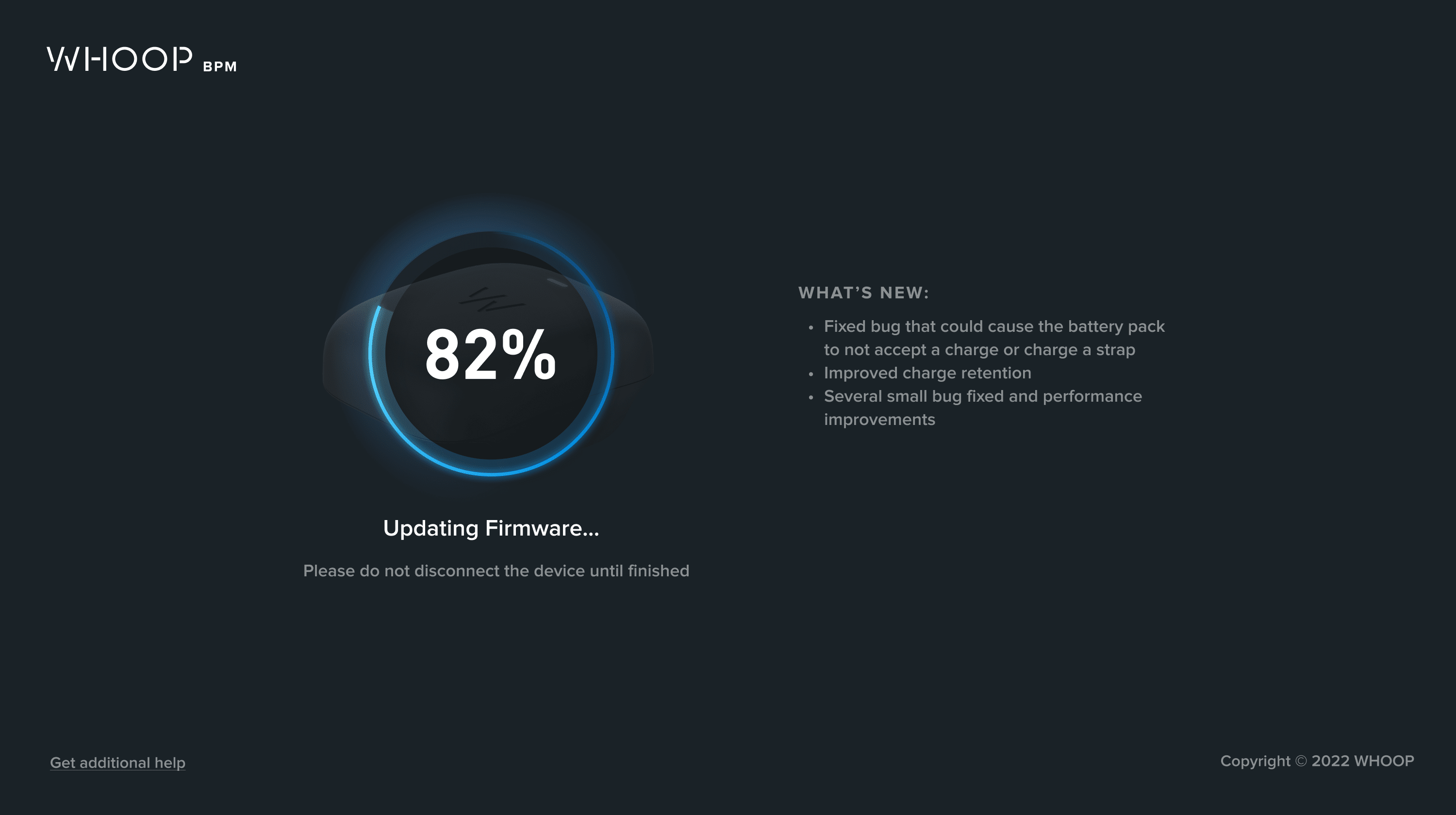
Whoop launched its 4.0 strap and battery pack device in September 2021. Due to the rush to get these new devices to customers, battery packs were sent with defects that resulted in numerous issues. Instead of a costly recall and replacing all faulty battery packs, Whoop’s solution to this problem was to have customers physically upload new firmware to their battery pack. However, the battery pack itself has major limitations as it has no way of sending or receiving data. It was decided that a desktop application would be the most efficient way to solve this problem. Users were prompted to download the desktop application and connect their battery pack to a computer to update the firmware.
Based on everything that I learned, I saw that there was a Product Opportunity for the team, but there were some key decisions that I had to take in order to get us there.

I laid out a roadmap to document the customer experience on the updated desktop app. I not only defined the flow and included long-term as our hardware evolved, and Enterprise had more and more influence.
Key Decision 1: Reject the brief (strategic reframe)
The easy version was a single-screen firmware updater. Plug in, click update, done. But 150,000 people were about to open a Whoop desktop app for the first time, and every one of them was there because something went wrong.
If the experience felt like a patch — download this, run it, sorry — Whoop confirms the customer's suspicion that the company shipped a half-baked product. If the experience felt like something worth keeping, the narrative flips entirely.
I reframed the project from damage control to product opportunity. That decision changed everything downstream.
Product Goals:
- Create a seamless customer experience for customizing and updating Whoop hardware
- Enable members to self-update their battery pack firmware via the desktop application
- Establish the WHOOP 4.0 battery pack as a sophisticated, smart technology that is capable of updates with new functionality and performance improvements
Business Objectives:
- Reduce battery replacements:
- Average cost is $40 to replace each battery pack via warranty replacement
- Reduce Membership Support time spent on battery issues:
- Each MS ticket costs Whoop a minimum of $40
Audience: All members who received their WHOOP 4.0 Battery before Jan 2022 (150K total)
Decision 2: Use a Visiontype to commit early (methodology)
I created what is known as a Visiontype: a high-fidelity concept that shows what a product could be, not just what it needs to do right now. Different from a low-fi sketch or a prototype built to test assumptions. A Visiontype carries enough fidelity and conviction to go straight into development while embedding a product vision that extends past the immediate problem.
In 2022, before AI made rapid high-fidelity concepting accessible, getting to this level of clarity this fast meant making strong design decisions early and standing behind them. You couldn't iterate your way to conviction through rapid generation. You had to know what you were building and commit.
The Visiontype didn't just solve the firmware problem. It showed leadership what a Whoop desktop experience could actually look like — not a repair tool, but a product surface.
Conversations with customers and survey feedback brought to our attention that users desired more features. Now we had an opportunity to not only solve the problem we created, but also excite customers by including many features in this update that will improve the customer experience.
Impact: The Visiontype became the production design. What leadership expected to be a throwaway utility became the foundation for Whoop's desktop hardware management strategy.
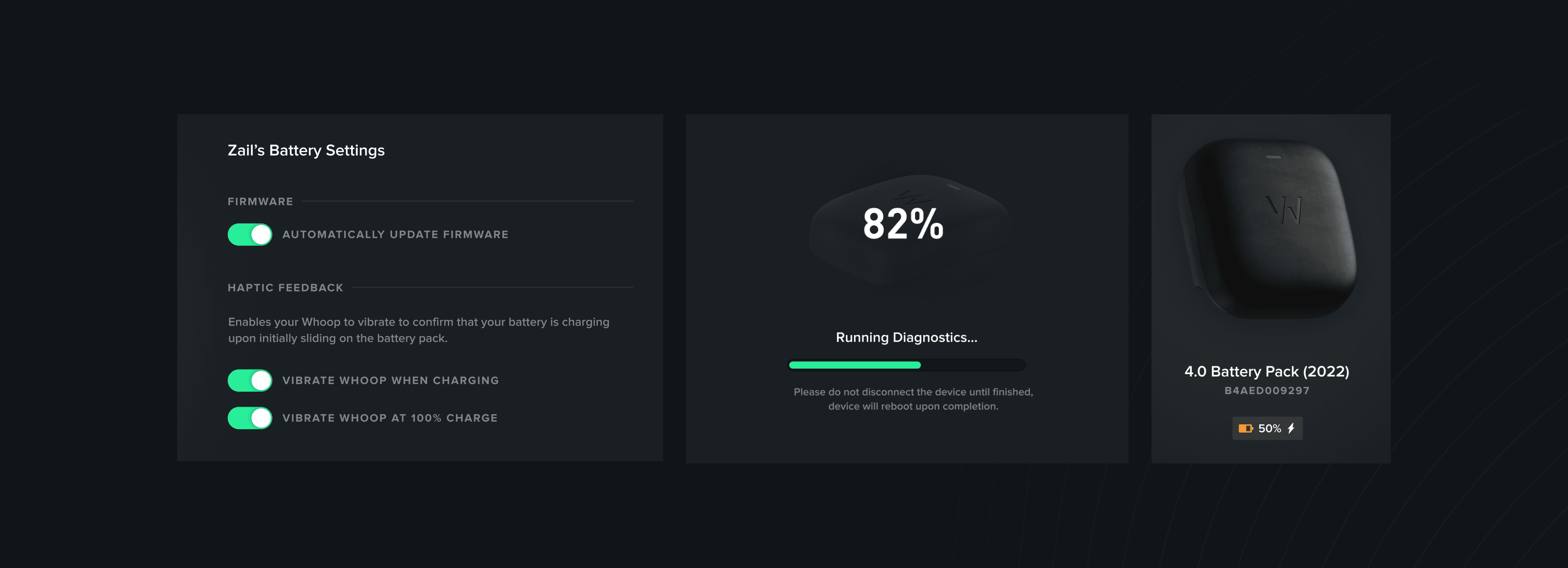
Decision 3: Push leadership to expand scope (product influence)
Leadership was focused on fighting fires — get the firmware fix out, move on. But customer conversations and survey data told a different story: people wanted more from the desktop experience. I pushed to expand beyond the original brief:
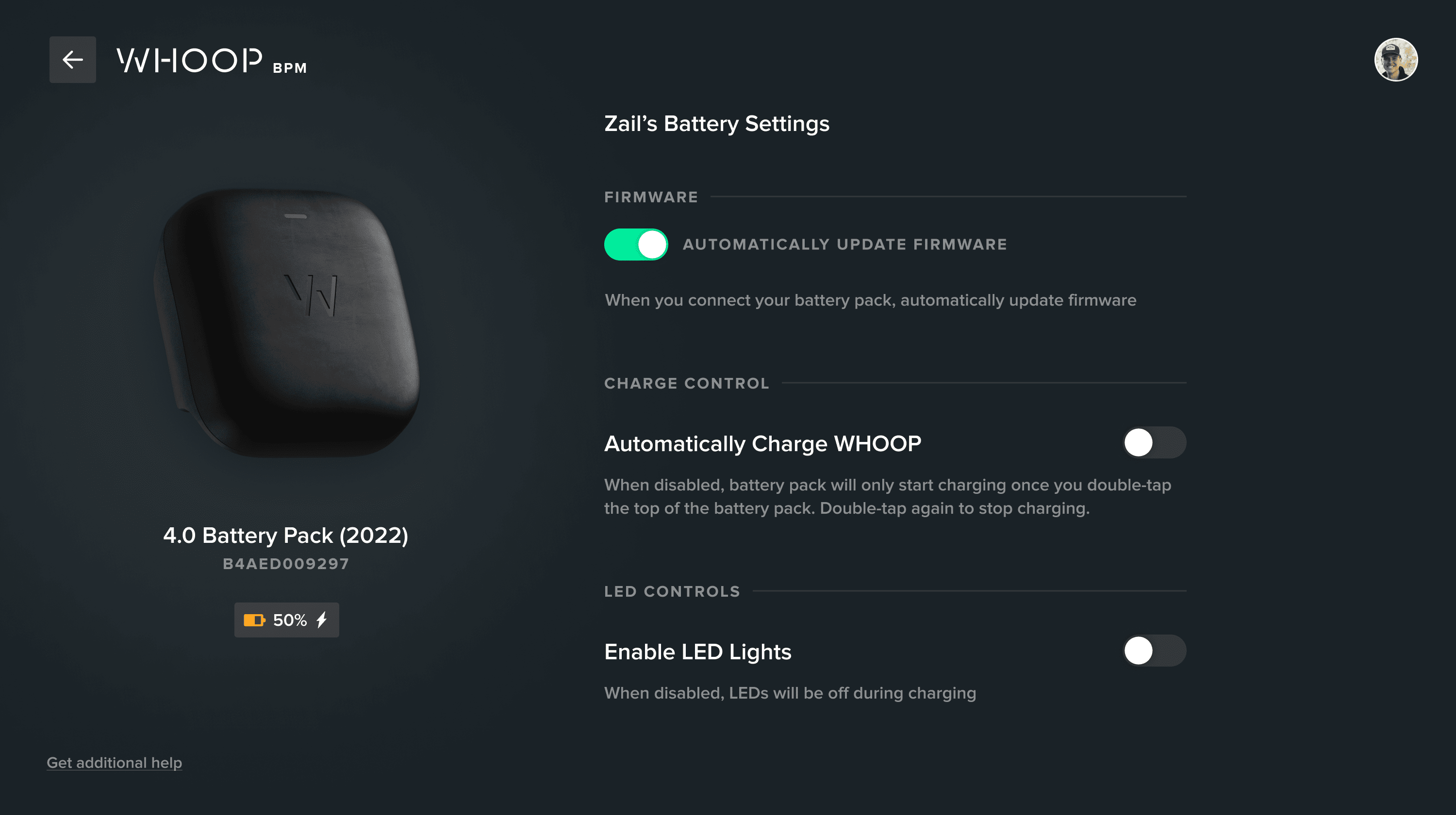
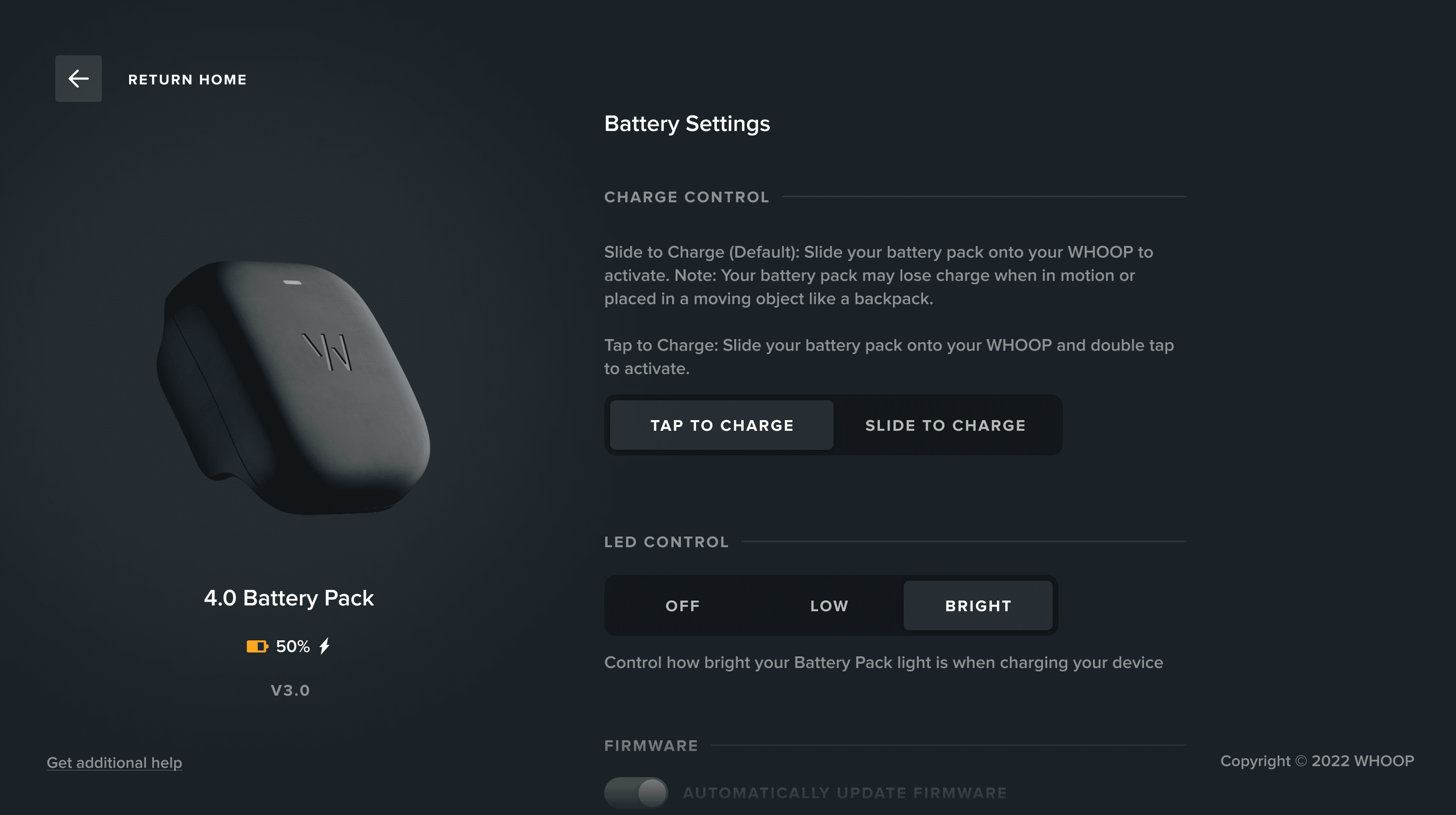
Haptics controls. First time Whoop gave customers direct control over hardware behavior through software.
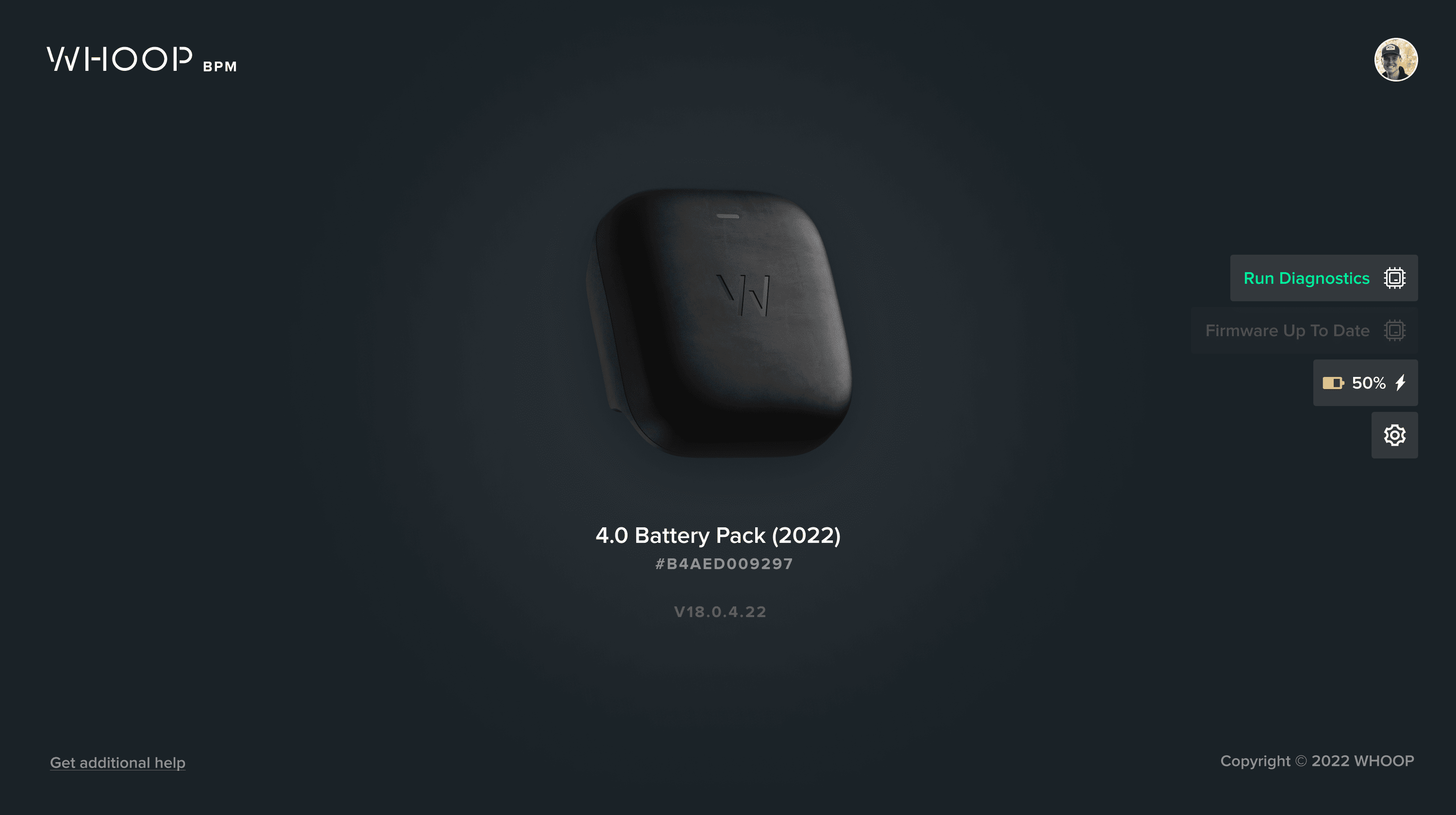
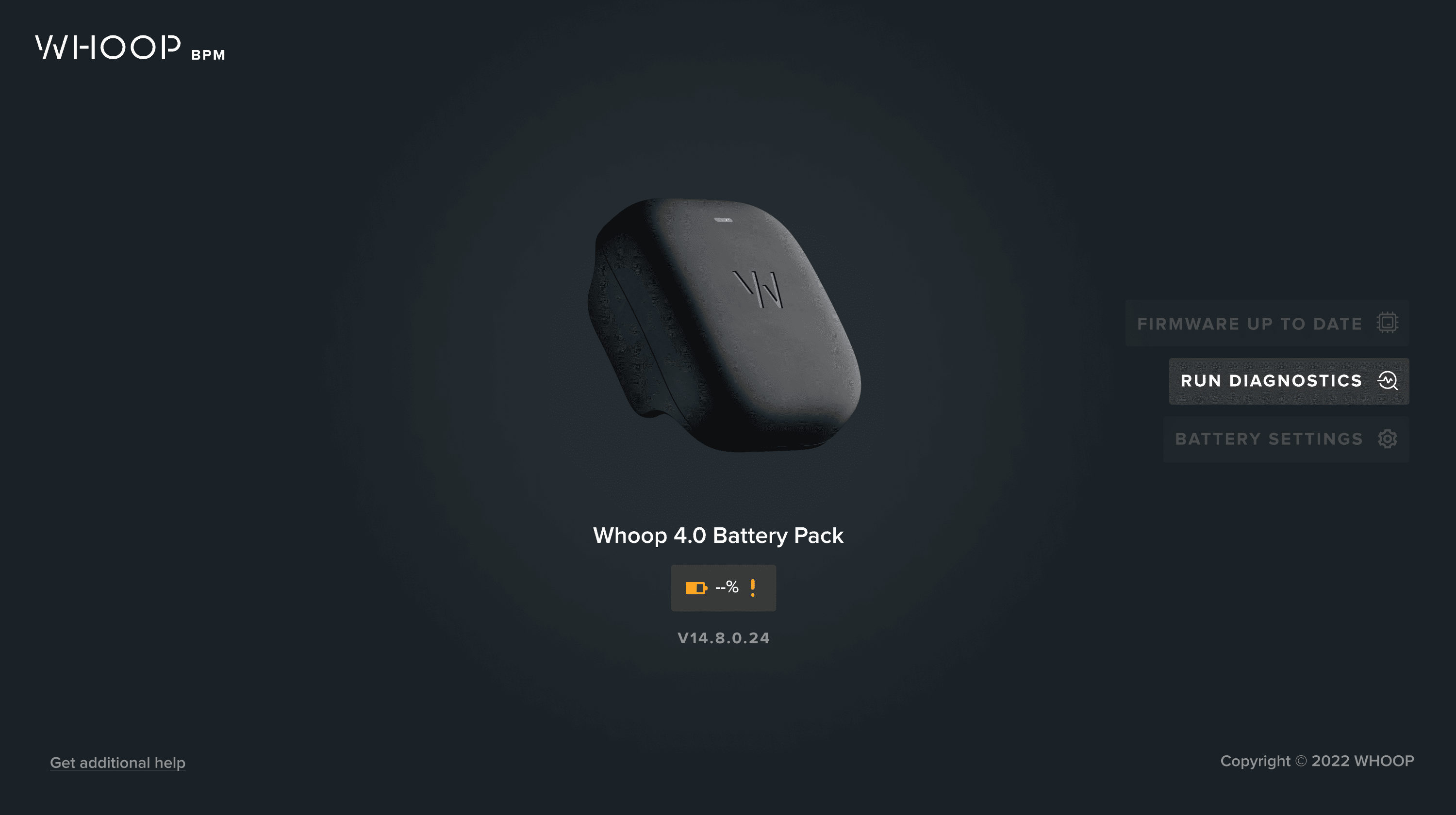
Diagnostic testing. Self-service health checks, shifting troubleshooting from a $40 support ticket to a self-service flow.
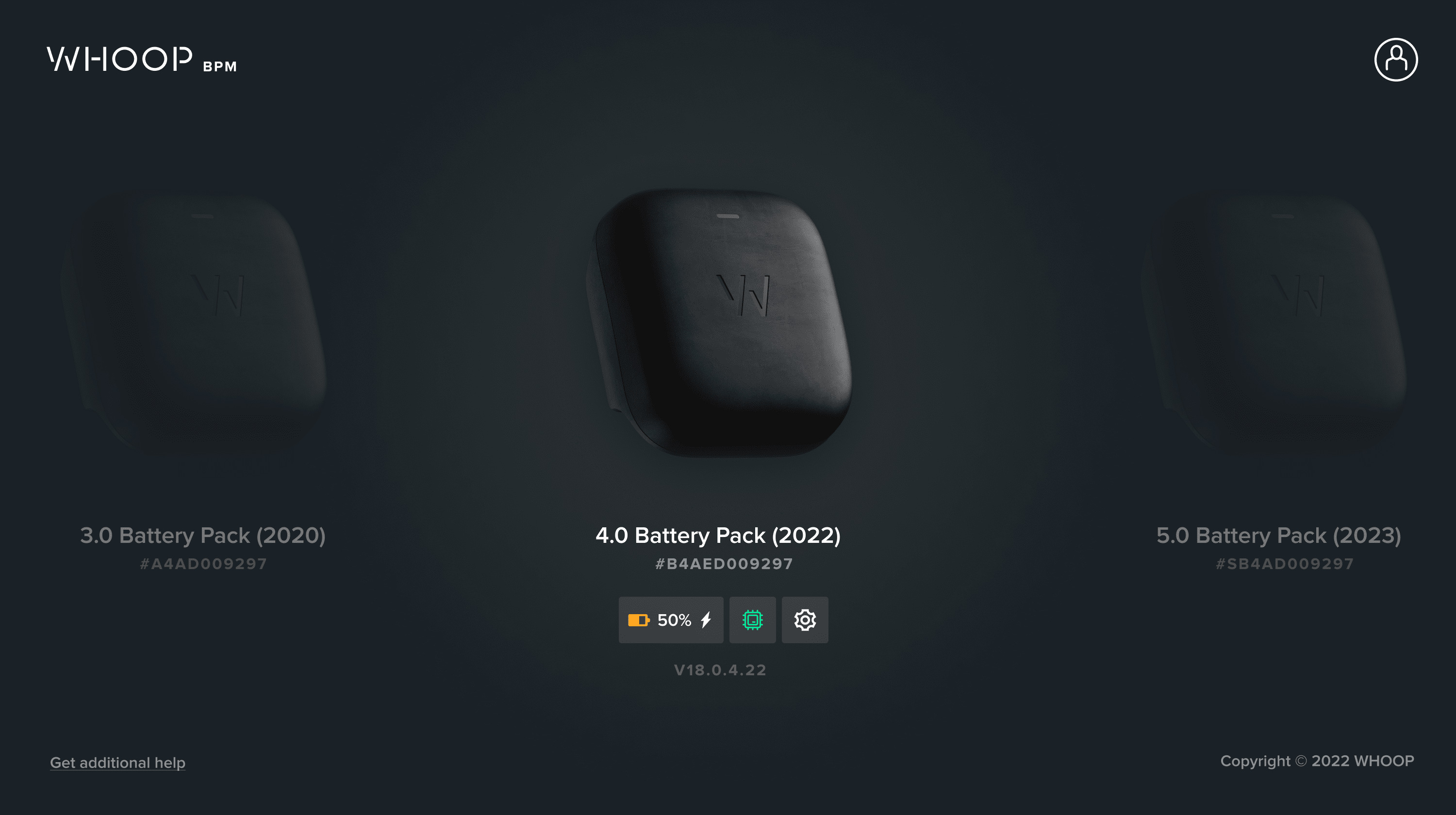
Power visibility. Battery percentage — one of the most requested features with no previous way to access it.
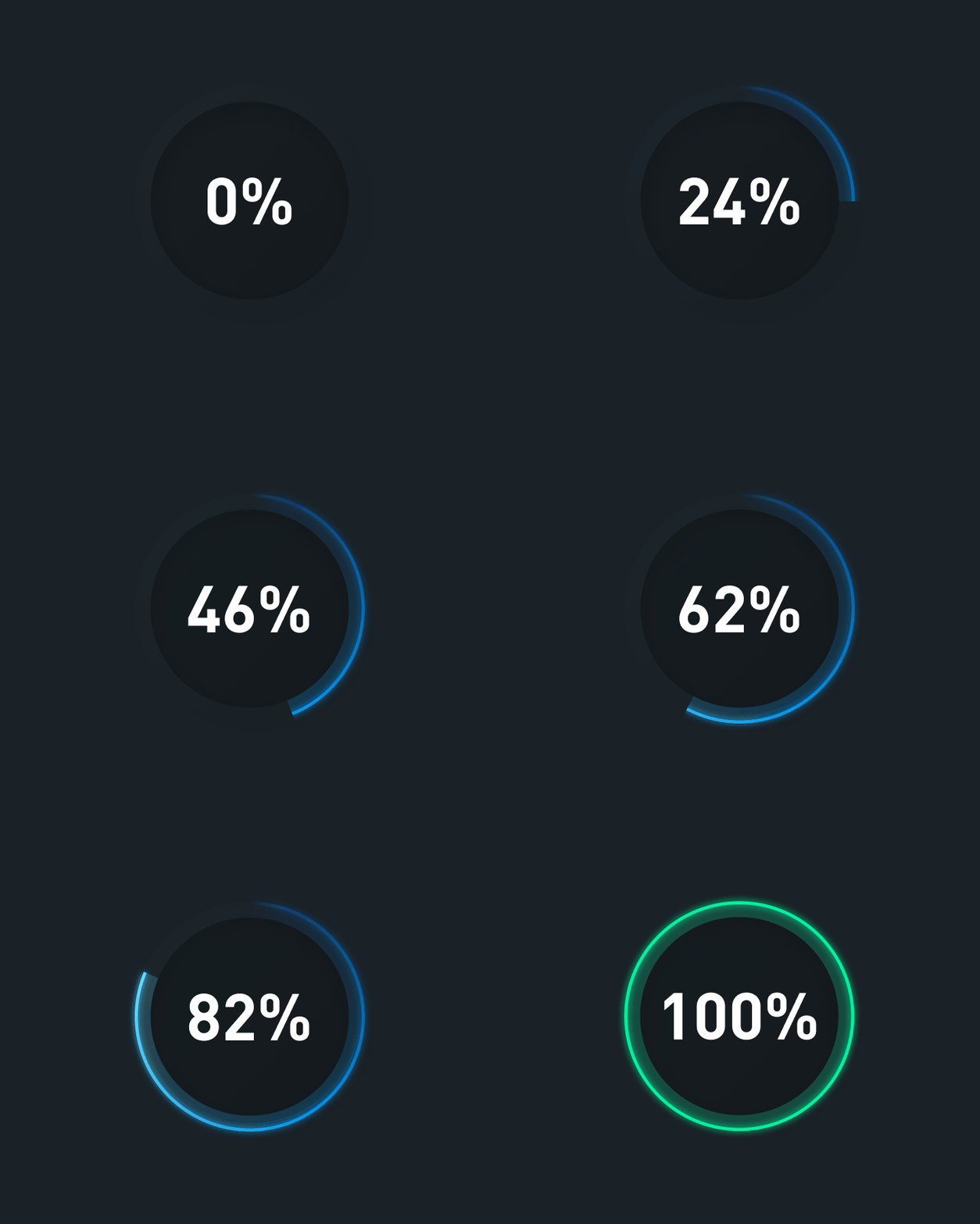
Updating the Firmware, and running a battery diagnostic check.
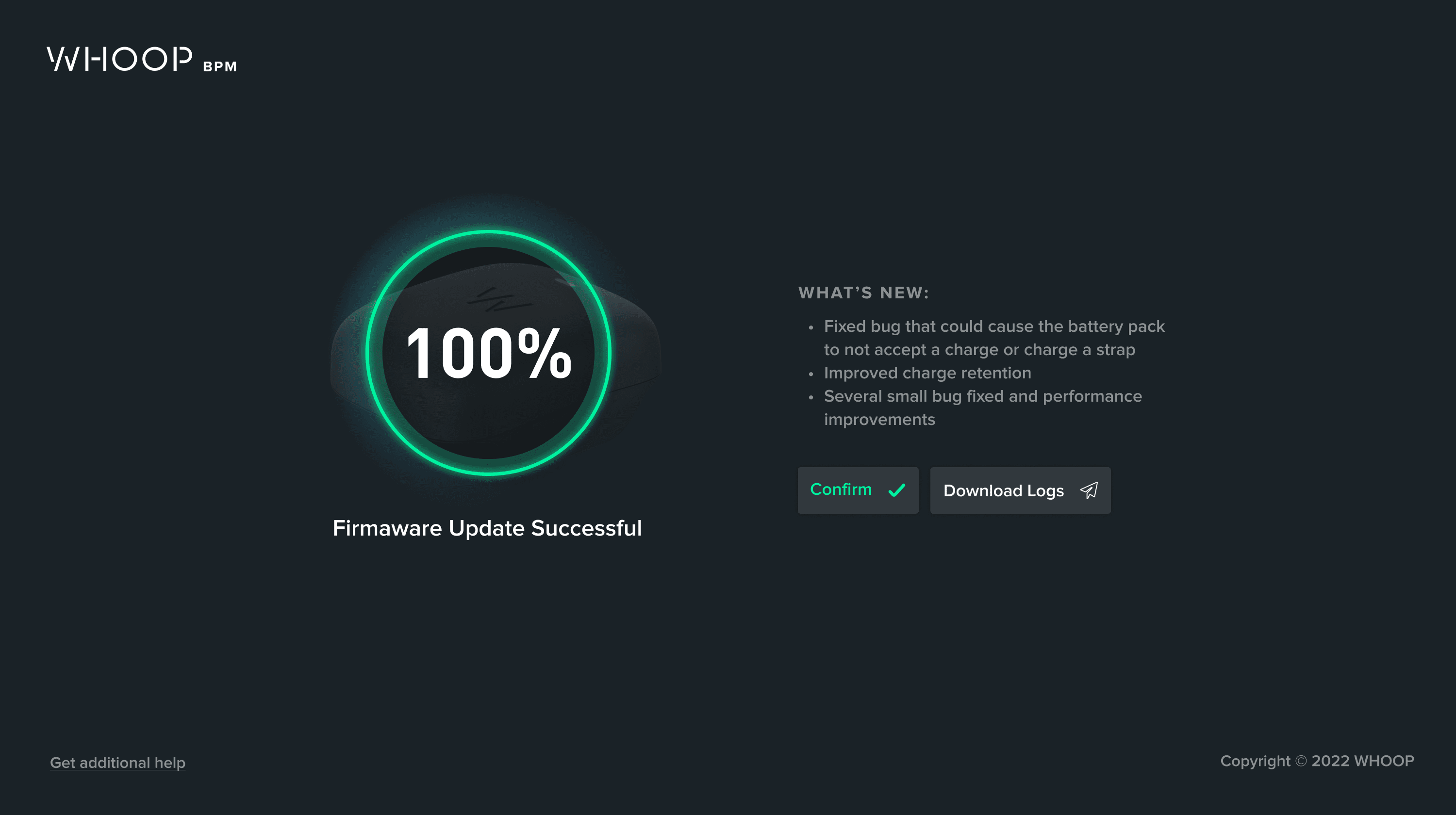
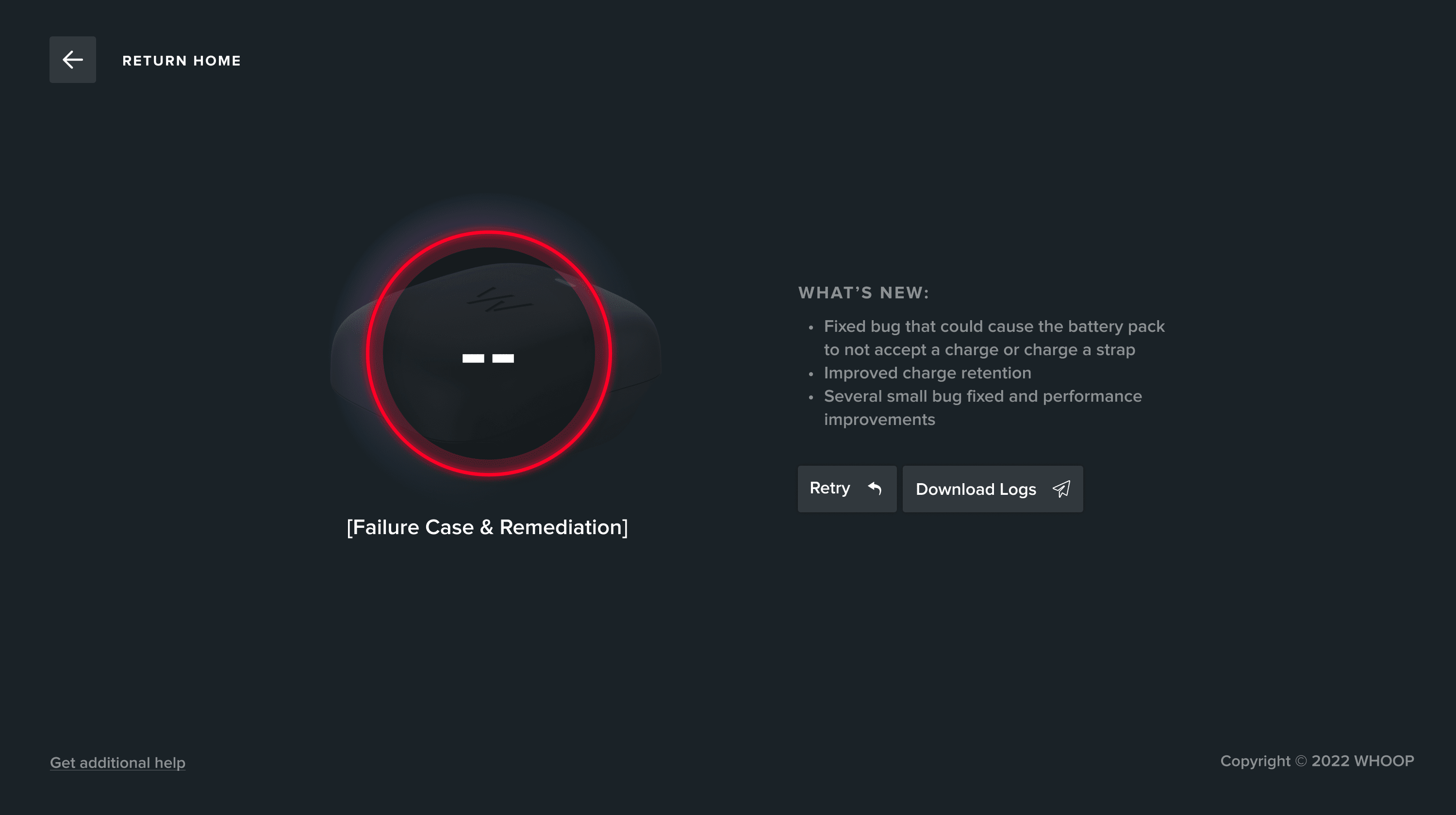
Decision 4: Design for the next three releases, not just this one
This is where my thinking diverged from leadership's. Everyone else was focused on this release. I was thinking about how we handle this release, the release next year, and the release two years after that as our hardware strategy evolved.
Whoop was already exploring enterprise — healthcare organizations, military programs, collegiate athletics teams who needed to manage devices and data at scale. The battery pack was the first hardware accessory, but the roadmap included an expanding suite of connected devices. Enterprise customers would need desktop software to manage their hardware fleet.
I designed the Battery Pack Manager's architecture to support that future. Not as a speculative exercise, but as concrete decisions in the information architecture, the settings patterns, and the update flows. The patterns I built for this single app became the template for how Whoop would think about every hardware-software interaction going forward.
------
Impact: The BPM established the precedent that Whoop accessories are upgradeable software products, not static devices. Every future hardware release ships with the expectation that it improves over time. That strategic shift — from hardware-as-shipped to hardware-as-platform — started with this project.
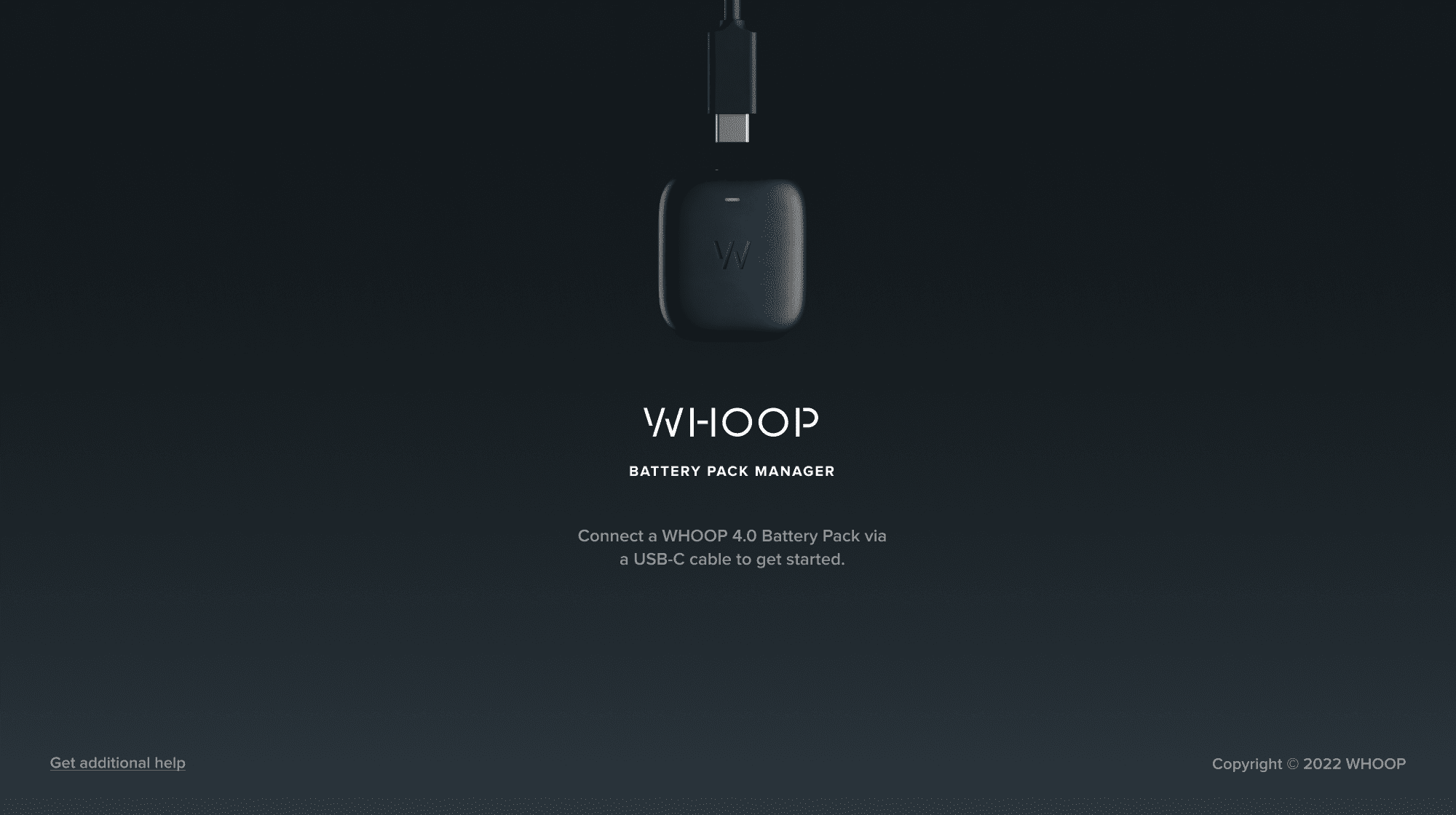
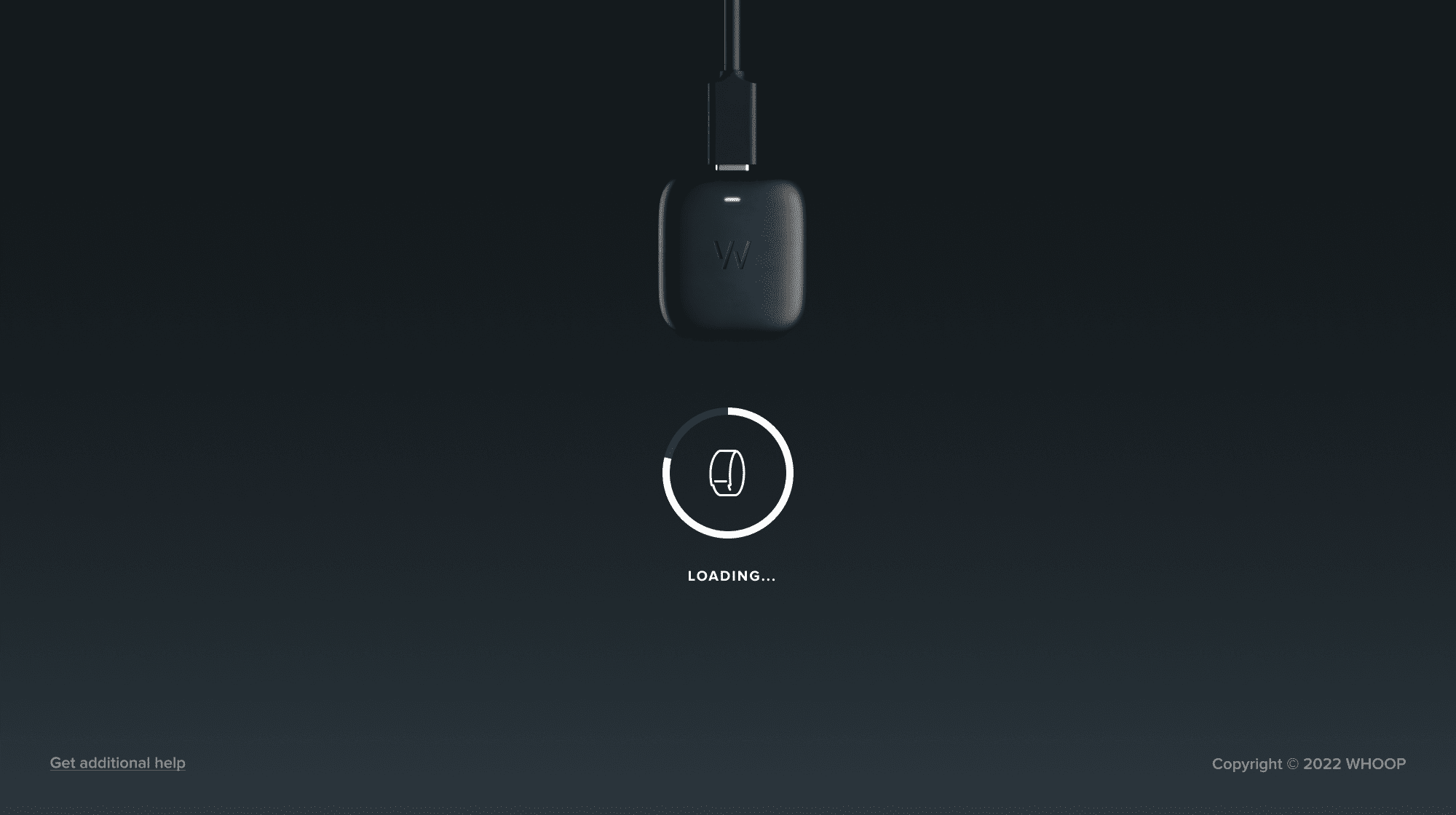
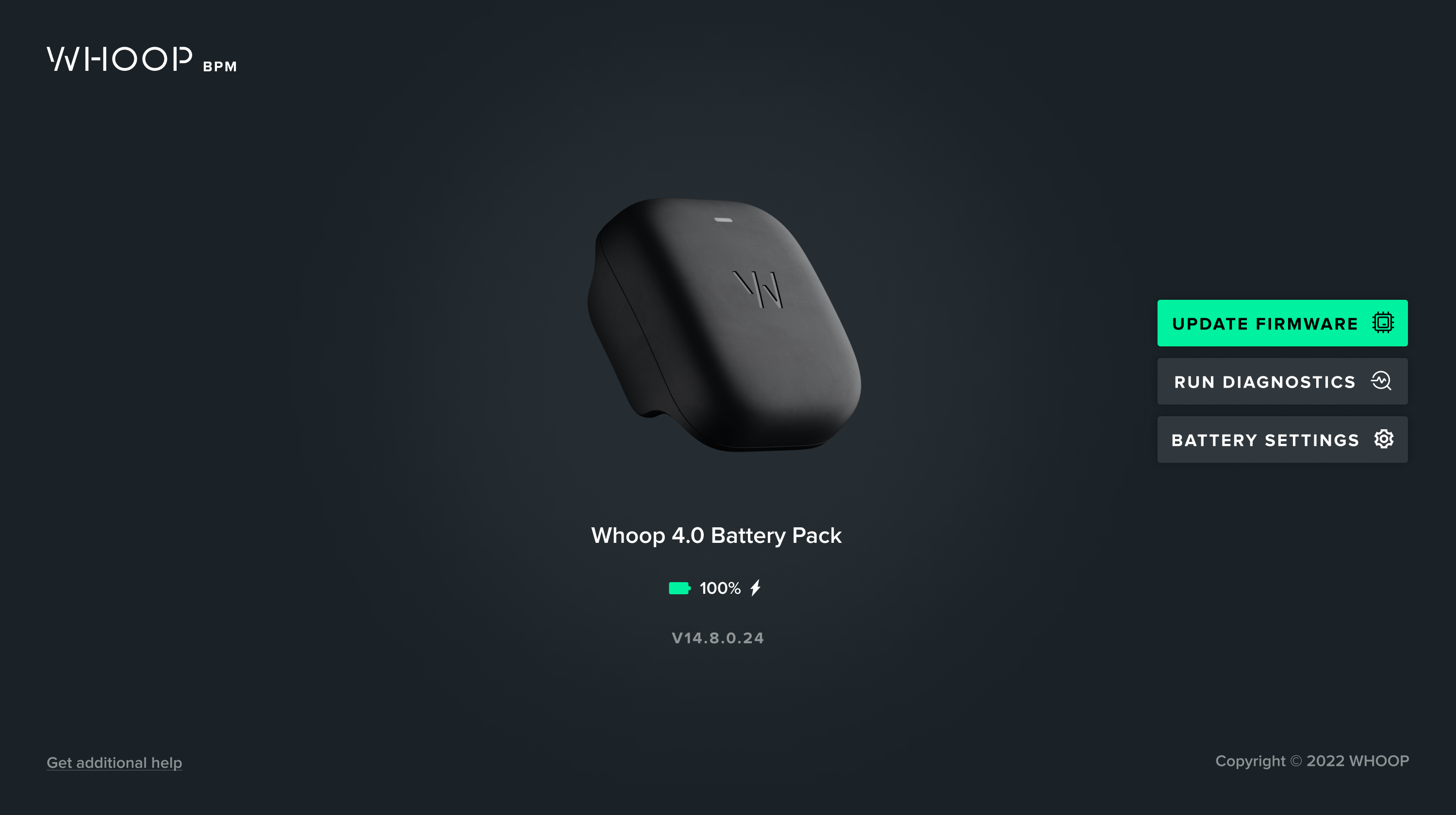
The ability to control your battery pack's settings was crucial for the future product strategy of our hardware.
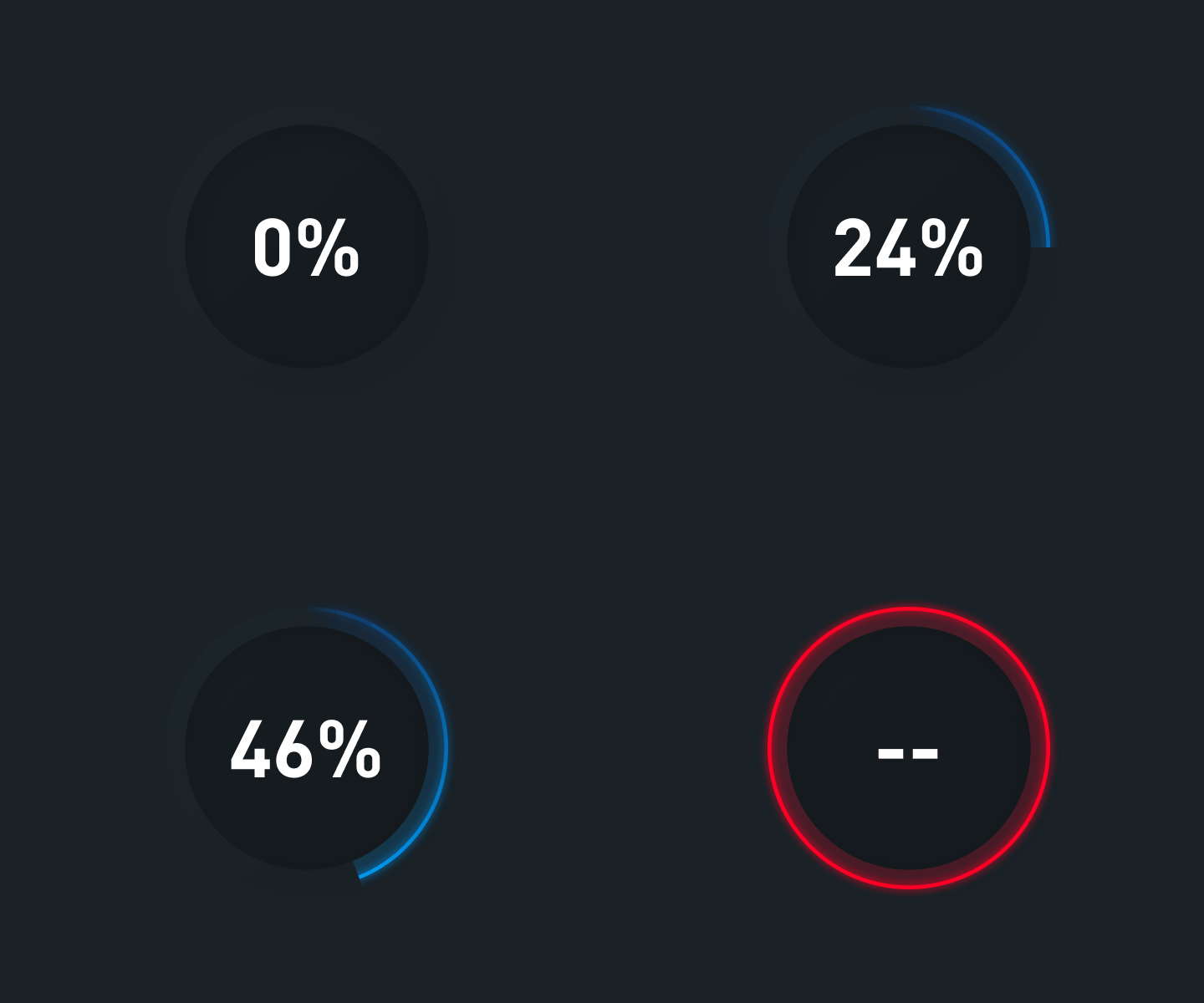
When something is wrong, the BPM will let you know.
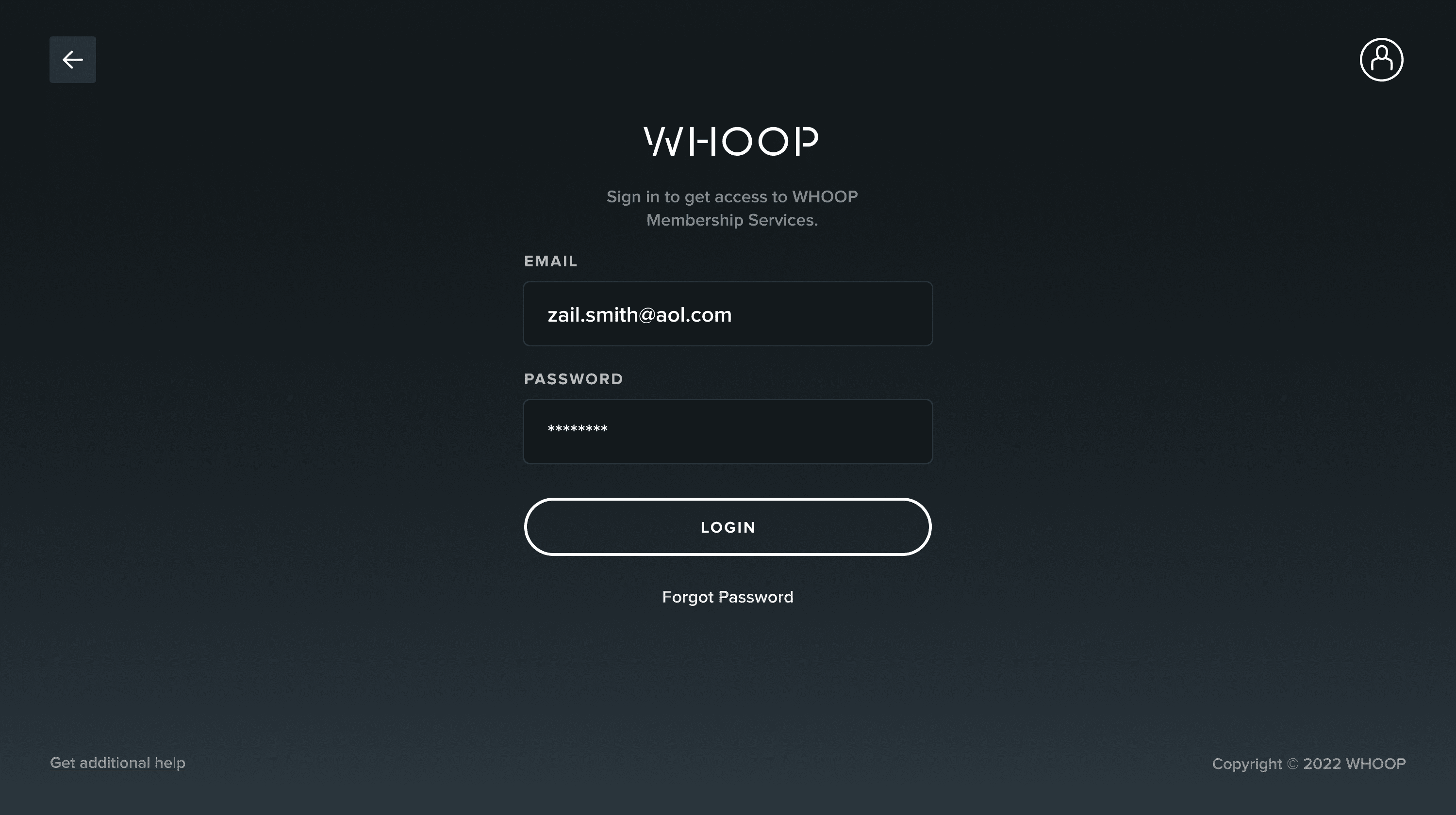
Full GUI Created
Contact
Connect With Me
Copyright
© Andrew Green 2026